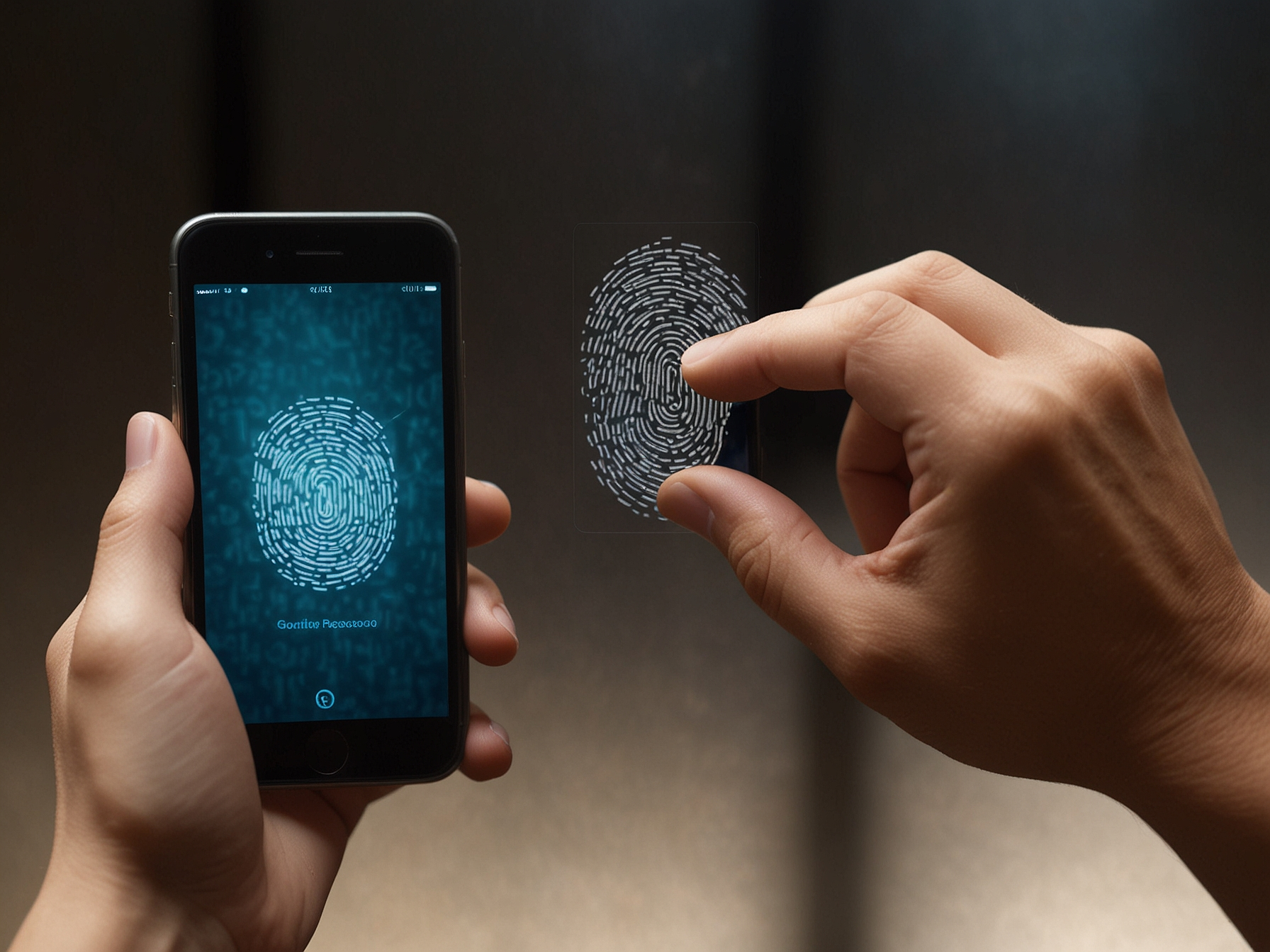
We recommend using a strong, unique password for your account and enabling two-factor authentication when available. Avoid sharing your login details and never respond to unsolicited requests for your credentials. Our security systems monitor suspicious activity and will prompt for verification if needed. If you use public devices, always log out and avoid saving passwords in shared browsers. Regularly review your account activity and update your password periodically to maintain a high level of protection.
If you forget your password, use the password recovery flow accessible from the login page. We will verify your identity through your registered mobile number or email, and guide you through secure steps to restore access. For lost access to both phone and email, contact support for manual verification. We treat recovery requests carefully to prevent unauthorized access. Be prepared to provide identification details if requested to complete the recovery process safely.
Our support team is trained to handle account recovery efficiently while maintaining security standards. Expect clear instructions and timely assistance during the process.
Enable two-factor authentication to add an extra layer of protection to your account today.
We send important alerts to your registered phone and email to keep you informed about account activity. Notifications include deposit confirmations, withdrawal updates, and security alerts. You can manage which notifications you receive from your account settings to ensure you only get the information you want. Enabling notifications helps you detect unusual activity quickly and act to secure your account. Review alert settings regularly and ensure your contact details are up to date.
If you experience login difficulties, use our live chat or support form for fast assistance. Provide details such as your registered phone number and a description of the issue, and our team will help you regain access. We prioritise login issues to minimise disruption to your experience. For account lockouts due to security concerns, we will guide you through verification steps to restore normal access while protecting your account from unauthorized use.
We strive to respond quickly and clearly to all login-related inquiries, ensuring that users can continue playing with confidence and security.
Use the password reset option on the login page and follow the verification steps sent to your phone or email.
Yes. Contact support and complete identity verification to update your registered contact information securely.
Go to account security settings and follow the instructions to enable two-factor authentication using SMS or an authenticator app.